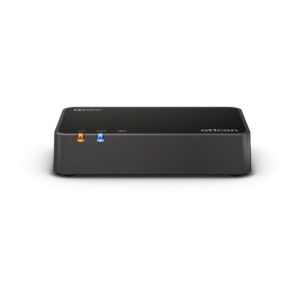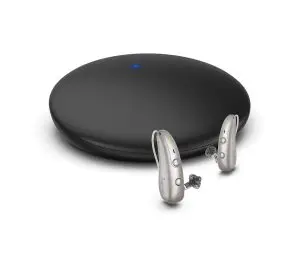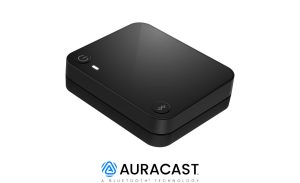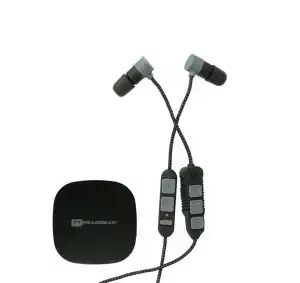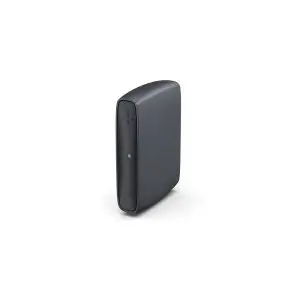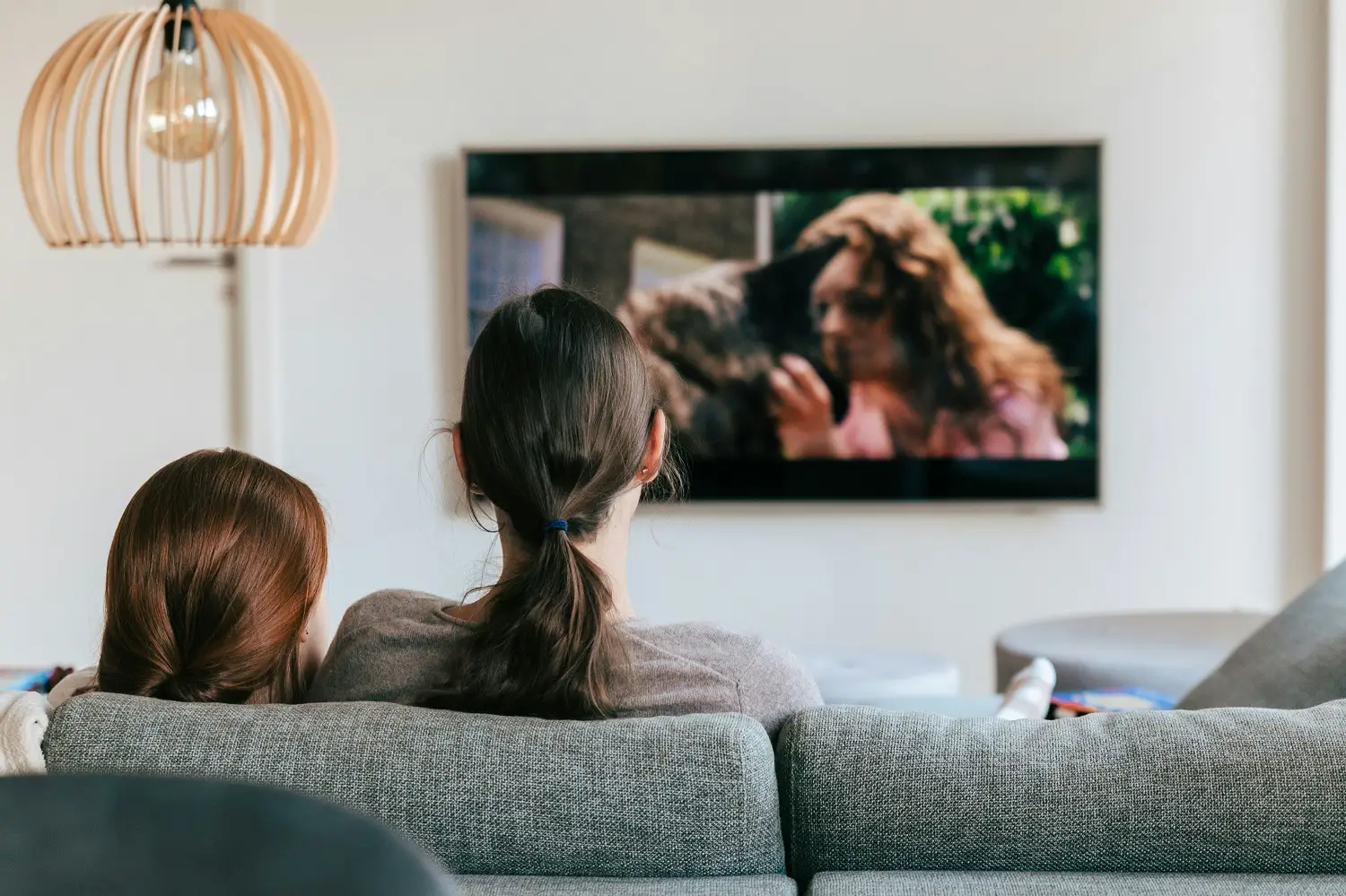
A hearing aid TV streamer connects directly to your television and transmits audio wirelessly and directly into your hearing aids. You hear the TV at whatever volume works for you. Everyone else in the room hears it through the speakers at whatever volume works for them. The volume disagreement that becomes routine in households with hearing loss simply stops.
This is not about turning the volume up. It is about bypassing the room entirely, no distance, no reverberation, no competing noise. Just the TV signal delivered directly to the ears that need it. Every patient who tries a TV streamer for the first time describes the experience the same way.
A Personal Account: The Brutalist and a Game-Changing Night
After years of setting up TV streamers for patients and demonstrating them in the clinic, sitting down to actually use one for a full movie was a revelation. At a visit to Arizona, parents who had been using TV streamers with their hearing aids for years finally showed what the experience actually felt like from the inside. One parent wears Signia BTE hearing aids with earmolds, the other Widex Moment hearing aids, the two streamers jury-rigged together through the TV’s optical output. The room volume came down to a comfortable level for everyone. Both parents heard perfectly. The following weekend at home: The Brutalist, a three-hour drama. With the TV Play streaming directly to Widex hearing aids, there is no pause to ask what was said. Fully present for the entire film. The clarity was, in a word, unreal.
That account captures what patients experience but do not always expect before they try it. You can explain it in a clinic, but the first time watching a film without straining, that is when it becomes real.
How TV Streamers Work
A TV streamer plugs into the television’s audio output, optical (TOSLINK), RCA, or 3.5mm, depending on your TV, and broadcasts the audio signal wirelessly to your hearing aids. The streaming technology is proprietary to each hearing aid brand, which is why streamers are brand-specific.
The key distinction from turning up the volume: streamed audio reaches the hearing aid receiver directly, without traveling through the room, bouncing off walls, and arriving as a mix of direct sound and reverberation. The result is cleaner, clearer speech, particularly consonants and soft voices, than any volume increase can produce.
Do You Even Need a Separate Streamer?
Not always. Some current hearing aid platforms, particularly those with Bluetooth LE Audio or Auracast support, can stream TV audio directly if your television has Bluetooth output built in, without any dedicated streamer accessory at all. This is becoming more common as TVs and hearing aids both adopt newer Bluetooth standards.
A dedicated streamer like the ones covered below is still the right choice if your hearing aids do not support direct streaming, if your TV does not have Bluetooth output, or if you simply want a dedicated transmitter with a stronger, more consistent connection than relying on your TV’s built-in Bluetooth. Most patients still get the most reliable experience from a brand-specific streamer rather than direct TV-to-hearing-aid Bluetooth, but it is worth checking what your specific hearing aids and TV already support before assuming you need to buy one.
Not sure whether your hearing aids already stream TV audio directly? Check your hearing aid app for a TV or media streaming option, or contact us, and we will confirm before you purchase a streamer you may not need.
TV Streamers by Brand
Signia, Rexton, Miracle-Ear, TruHearing, and Horizon, TV Sound
The TV Sound is the current TV streamer for all Sivantos platform hearing aids. It replaces the Streamline TV, which was discontinued in August 2025. TV Sound is backwards compatible; it works not only with current IX and AX platform Signia and Rexton hearing aids but also with the wider family of Sivantos-platform branded devices, including Miracle-Ear (non-Starkey models), TruHearing, and Horizon.
- Setup: connect to TV via optical, RCA, or 3.5mm. Power on. Pair to hearing aids by placing them close to the unit during pairing mode.
- NOTE: if you have the Streamline TV, it is discontinued. TV Sound is the replacement, contact us for compatibility confirmation.
Shop Signia and the rebranded model’s TV Sound
Widex: TV Play 2
The TV Play 2 is the current Widex TV streamer, compatible with both Allure and Moment hearing aids. The original TV Play is no longer sold.
- Allure pairing: switch TV Play 2 to LE Bluetooth mode.
- Moment pairing: standard pairing mode.
- Important: Allure and Moment hearing aids cannot share the same TV Play 2 simultaneously; they use different Bluetooth pairing modes.
Phonak: TV Connector
The Phonak TV Connector streams to Phonak Infinio, Lumity, Paradise, Marvel, and compatible earlier platform hearing aids. Pairs up to four hearing aids simultaneously, useful for households where multiple family members wear Phonak aids.
- Setup: plug into TV audio output. Place hearing aids on top of the connector briefly to pair. Streaming begins automatically when aids are in range.
For older Phonak, Unitron and other rebranded models, please shop the Phonak accessory guide.
ReSound: TV Streamer+
The ReSound TV Streamer+ connects to the TV and broadcasts via Auracast to compatible Vivia, Nexia, and Savi hearing aids. Because it uses Auracast, both the hearing aid user and anyone else with an Auracast-compatible device can receive the same stream simultaneously at their own preferred volume.
For older Resound models, please read the Resound accessory guide.
Starkey: StarLink TV Streamer
The Starkey StarLink TV Streamer connects to the TV and streams directly to compatible Omega AI and Edge AI hearing aids via the Starkey wireless system.
For older Starkey and rebranded models, review our full Starkey accessory guide.
Oticon: TV Adapter 3.0
The Oticon TV Adapter 3.0 connects to the TV and streams stereo audio directly to compatible Oticon hearing aids on the 2.4 GHz Bluetooth platform.
Setup: connect to TV via optical (TOSLINK), RCA, or 3.5mm. Power on. Place hearing aids on top of the adapter to pair, no charging required for the adapter itself.
Compatible with: Intent, Real, More, Opn, Opn S, Opn Play, Xceed, Xceed Play, Own, Zircon, Ruby, Siya, Engage, and Play PX.
Note: Zeal hearing aids support Auracast directly, so a dedicated TV Adapter isn’t required for TV streaming on that model, though it remains an option for other Oticon devices in the household.
Unitron: TV Connector
The Unitron TV Connector streams TV audio directly to compatible Unitron hearing aids using Unitron’s AirStream wireless protocol. See the compatibility with Phonak accessories.
Setup: connect to TV via optical or 3.5mm. Power on. The connector automatically detects compatible hearing aids within about a meter, no manual pairing process required.
Compatible with: Moxi Smile, Vivante, Moxi Blu, Discover-platform (Stride and Moxi), and Tempus-series Unitron hearing aids.
General Setup Steps: Any TV Streamer
- Remove protective caps from the audio cable and connect to the TV’s audio output, optical (TOSLINK), RCA, or 3.5mm, depending on your TV and streamer
- Connect the streamer to power via the included adapter
- Power on the streamer, a solid green LED typically indicates power
- Put your hearing aids into pairing mode, either open and close the battery doors or place rechargeable aids briefly in the charger, and remove them
- Place hearing aids close to the streamer (within 6 inches) during pairing
- Watch for the streamer LED to confirm pairing, typically a solid blue light
- Streaming begins automatically when the hearing aids are within range
If your TV only has a USB-C port or no optical output, you may need an adapter. Most modern TVs have at least one optical or 3.5mm audio output suitable for a TV streamer. Contact us if you are not sure what connection your TV supports.
Tips for the Best TV Streaming Experience
- Mute your hearing aid microphones: most hearing aid apps allow you to reduce or mute the surrounding microphones while streaming, giving you pure TV audio without room noise mixing in. Particularly useful in a noisy household.
- Lying down: streaming while lying on your side can cause feedback from the hearing aid pressing against a pillow. A pillow with a cutout or a neck pillow reduces this. Alternatively, mute the microphones through the app to eliminate the feedback loop.
- Multiple users: several TV streamers, including the Phonak TV Connector, support multiple hearing aids pairing to the same unit. Check your specific model’s capacity if more than one household member wears hearing aids.
- Range: most TV streamers have an effective range of 10 to 15 meters line of sight. Moving to another room typically drops the signal.
Check YouTube for Setup Guides
Hears Hearing & Hearables has TV streamer pairing guides on our YouTube channel for the most common setups. If you run into trouble pairing, check there before calling.
Not sure which TV streamer is compatible with your hearing aids? Contact Hears Hearing & Hearables with your hearing aid brand and model, and we will confirm before you purchase.
Frequently Asked Questions: Hearing Aid TV Streamers
What is the Signia Streamline TV and is it still available?
The Signia Streamline TV was discontinued in August 2025 and is no longer available for purchase. It has been replaced by the TV Sound, which is compatible with current Signia, Rexton, Miracle-Ear, TruHearing, and Horizon hearing aids on the Sivantos platform. If you need a replacement streamer for Signia, Rexton, or other rebranded Signia hearing aids, the TV Sound is the current product to order.
Can I use any TV streamer with my hearing aids?
No. TV streamers are brand-specific and use proprietary wireless protocols. For instance, a Phonak TV Connector streams to Phonak hearing aids only. A Widex TV Play 2 streams to Widex hearing aids only. Always confirm the streamer is compatible with your specific brand and model before purchasing. There are some exceptions, like the TV Sound works with all Sivontos rebranded Signia hearing aids.
How is TV streaming different from turning up the TV volume?
When you turn up the TV volume, the sound travels through the room, bounces off walls and furniture, and arrives at your ears as a mix of direct sound and reverberation, which is why dialogue can still be hard to follow even at high volume. TV streaming sends the audio signal directly and wirelessly to your hearing aids, bypassing the room entirely. You receive clean, direct audio without any distance or reverberation. This is why patients who try streaming almost never go back to relying on room volume alone.
What if my TV does not have an optical output?
Most TV streamers also work with RCA (red and white cables) or a 3.5mm headphone jack output. Check your TV’s back panel for any audio output option. If your TV only has HDMI ARC, an audio extractor can pull the signal. Contact us if you are not sure what connection your TV has and we can help identify a solution before you purchase.
Can two people with different hearing aid brands use the same TV?
Yes, but each person needs their own brand-specific streamer, both connected to the TV. This sometimes requires an audio splitter if the TV has only one optical output. A clinician or knowledgeable family member can usually set this up with a simple optical splitter or by using a combination of optical and 3.5mm outputs if the TV has both.