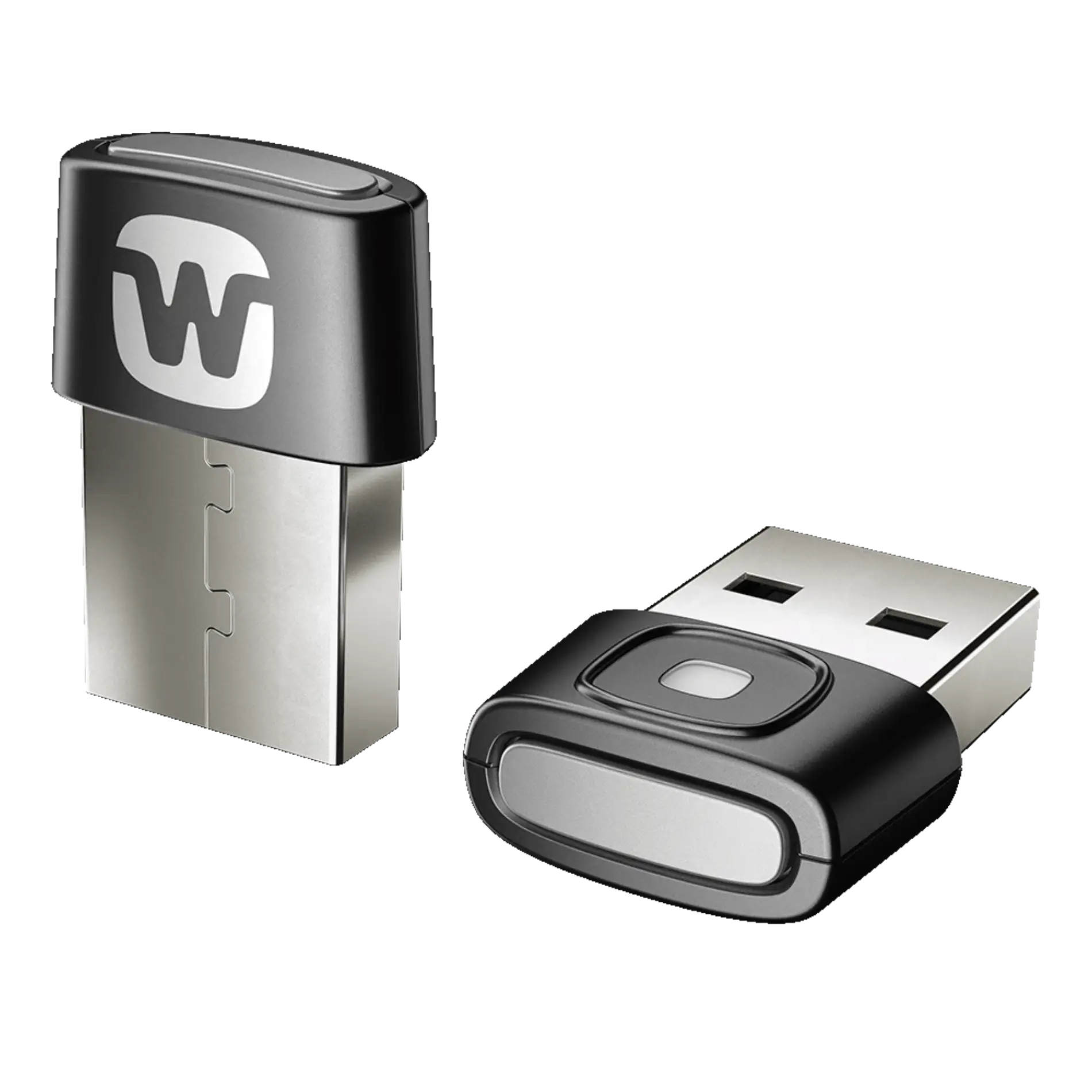
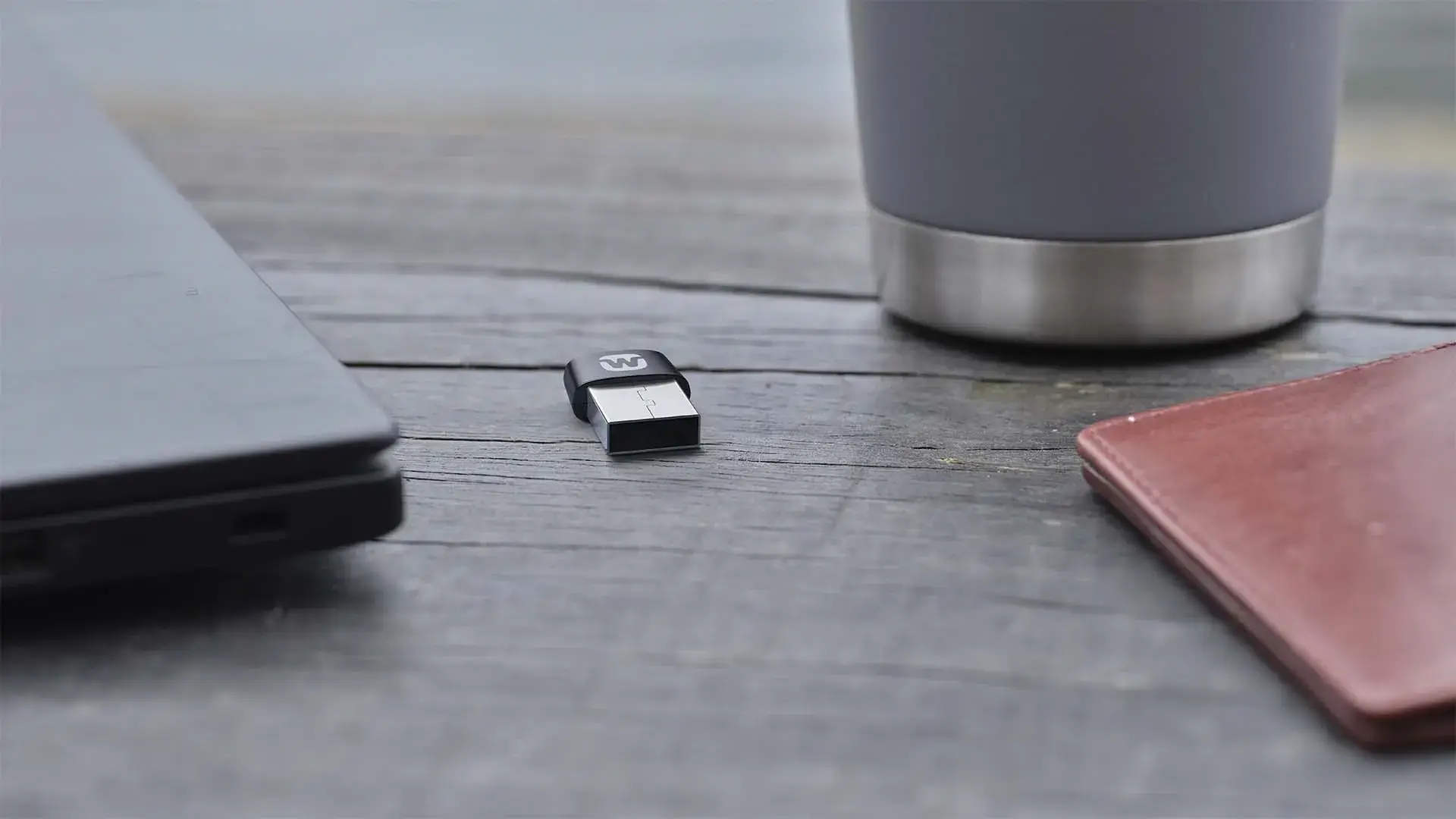
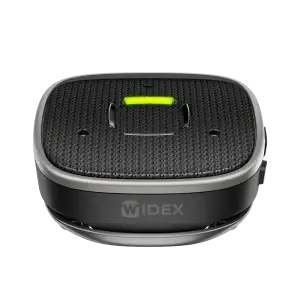
Widex SoundConnect, a USB dongle, plugs into your computer, streaming audio directly to your Widex hearing aids. Acting as a bridge between your digital world and your hearing aids, allowing for sound delivery from your computer to your ears.
SoundConnect Benefits:
Seamless Experience: Enjoy crystal-clear sound in conference calls or while watching blockbusters, making your digital interactions immersive and enjoyable.
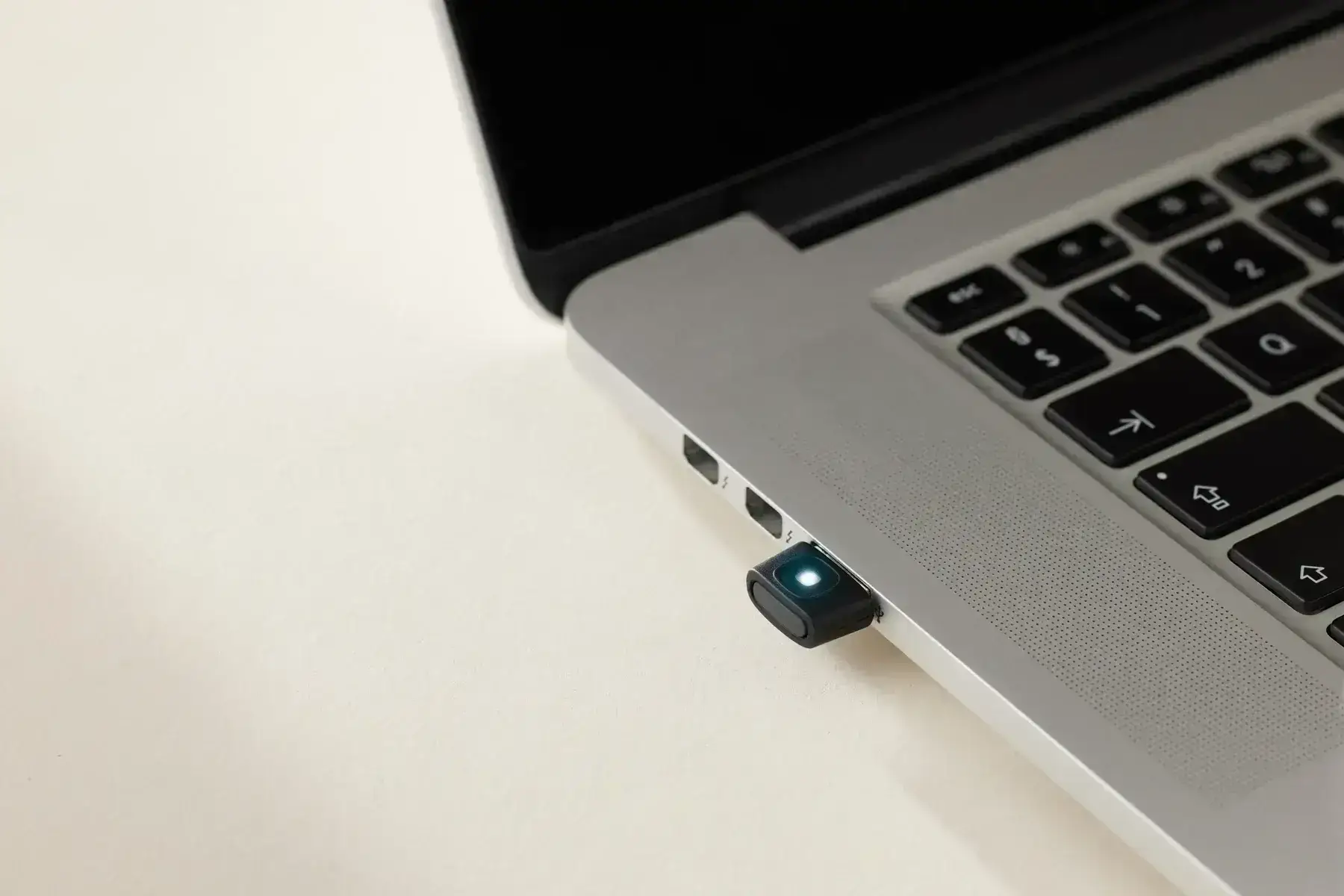
Effortless Usability: Simply insert SoundConnect into your computer’s USB port for a plug-and-play experience—no complications, just simplicity.
Personalized for You: Fine-tune your sound settings with the Widex Moment and Magnify apps, tailoring your online activities to sound exactly how you want them.
Getting Started:
Insert the SoundConnect dongle into your computer’s USB port.
Restart your hearing aids to initiate pairing.
Hold down the SoundConnect button until you see a blue light flash.
Ensure the hearing aids and SoundConnect are within 1.5 meters.
A solid green light signals you’re all set.
Compatibility:
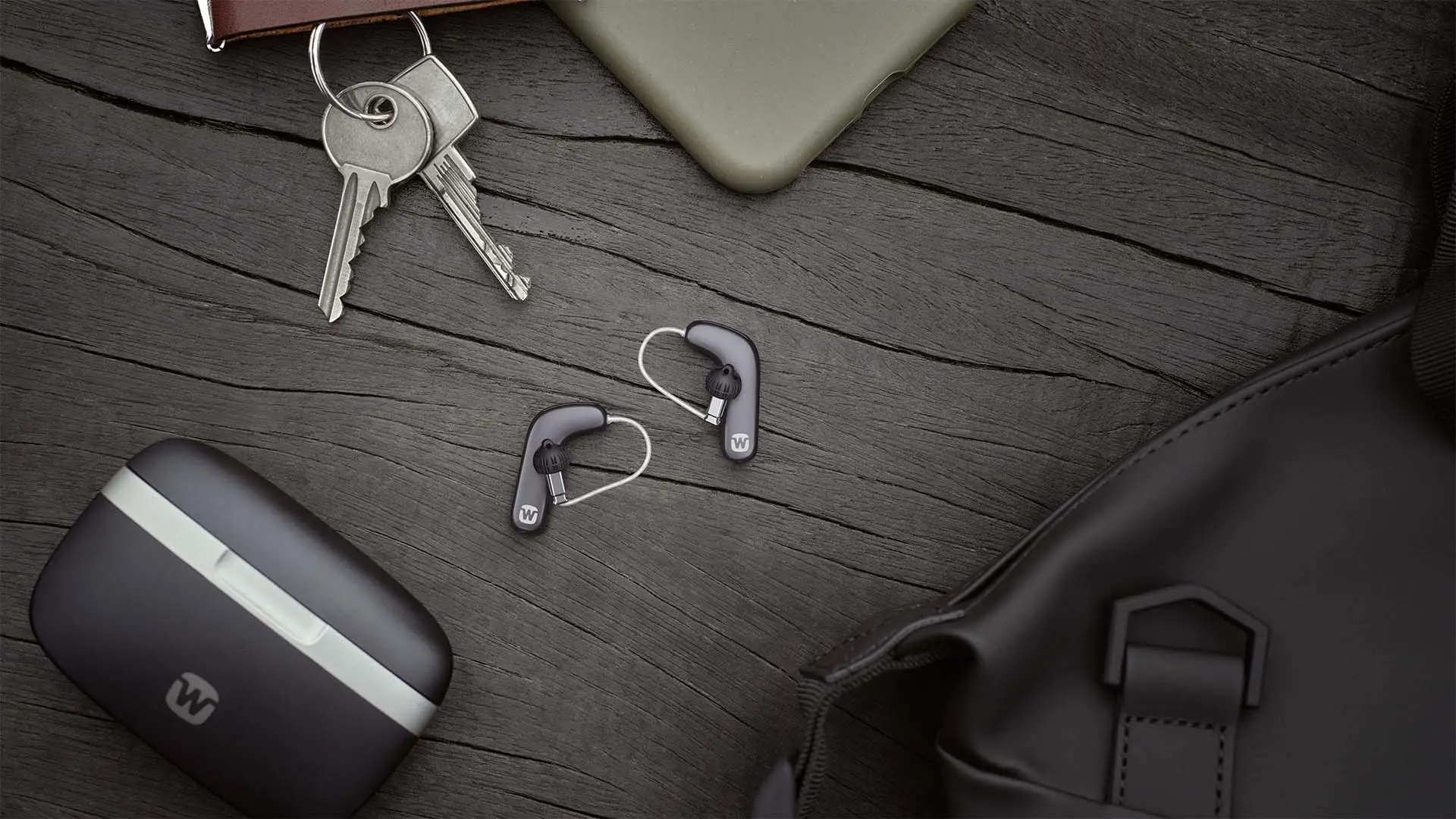
Widex Moment sRIC & mRIC rechargeable hearing aids
The SoundConnect Dongle sometimes connects seamlessly, and sometimes poses some issues. You can always call the Widex consumer line at 844-497-8844 or use some of these troubleshooting steps.
If your computer only as a USB-C port, you will need a USB-A to USB-C converter.
If you are having issues with your hearing aids pairing to the dongle, turn the Bluetooth off on your phone then try pairing again to the dongle again.
When you are done using the dongle, you can switch your Bluetooth back on and use your smartphone like normal.
\
Additional information
Weight
6 oz
Shipping
Fast U.S. Shipping
Tracking provided
Most orders ship next day.
Returns
At Hears Hearing & Hearables, we strive to ensure you are completely satisfied with your purchase. If you are not satisfied, our return and refund policy is designed to help you return your items easily. See Return Policy.
Support
Licensed support.
We can help you confirm the right item before you order.
Need help confirming compatibility?
Send us your model/info and our team will verify the right part.
Licensed Support We'll help confirm the right item.
Genuine Products
Easy Returns
Reviews
Helpful Guides about Widex
Read more about Widex SoundConnect Dongle
Widex Hearing Aid Accessories: Sound Assist, TV Play 2, and More
May 25, 2026
Widex hearing aids extend well beyond the devices themselves. Remote microphones, TV streamers, remote controls, and Bluetooth streamers expand what your hearing aids can do in specific situations. This guide ...
Widex Hearing Aid Charger Guide: Which One Do You Need?
October 9, 2024
Finding the correct charger for Widex hearing aids requires knowing your hearing aid model. Widex has introduced new charger designs with the Allure platform that are not the same as ...
Thanks for visiting us through HearingTracker! As a special welcome, here’s 10% off your first order.
Simply enter your email below and we’ll send you your discount code instantly.
Start saving and experience better hearing care with trusted products and support.
We respect your privacy. No spam, just hearing health tips and savings. Your information is secure and never sold.