Professional Adjustments From Home Through the Smart 3D App
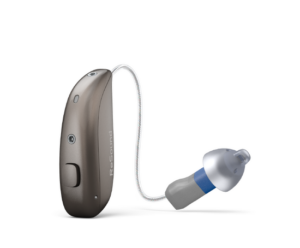
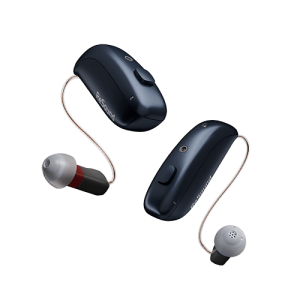
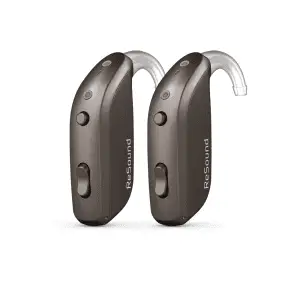
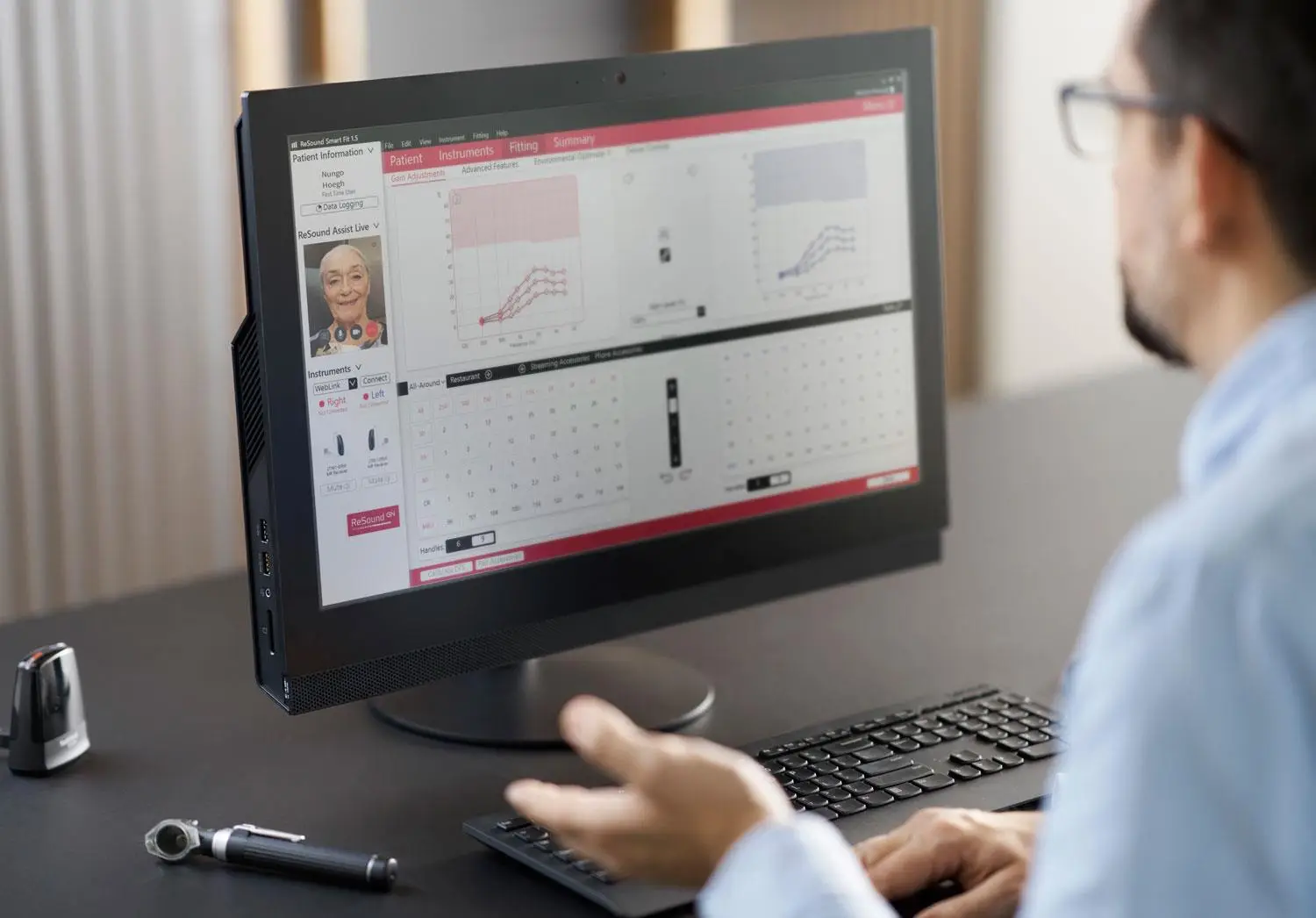
ReSound hearing aids support professional remote care through Live Assistance, a telehealth feature built into the Smart 3D app. With Live Assistance, your audiologist can connect to your hearing aids during a live session and make real-time adjustments without you needing to travel to a clinic.
At Hears Hearing & Hearables, remote care is a core part of how we serve patients across the country, not an occasional convenience but a standard part of our care model. Whether you are in Minnesota or anywhere in the United States, professional ReSound hearing care does not require a clinic visit for most follow-up needs.
Which ReSound Hearing Aids Support Remote Care
Live Assistance is supported on ReSound hearing aids equipped with Bluetooth connectivity. Current and recent compatible models include:
- ReSound Sensia (current flagship) — all models
- ReSound Vivia all models
- ReSound Savi— all models
- ReSound Nexia — all models
- ReSound Omnia — all models
- ReSound One — all models
- ReSound LiNX Quattro — all models
Non-wireless models and older devices without Bluetooth connectivity do not support Live Assistance remote care. If you are unsure whether your specific model is compatible, contact our team with your hearing aid model name, and we can confirm.
What You Need Before Getting Started
Before your first remote session, your hearing aids must be registered in your provider’s programming system. This is the essential step that links your devices to the professional’s software.
- If you purchased from Hears Hearing & Hearables: your hearing aids are registered automatically during programming. You are ready for remote care from day one.
- If you are in the Hopkins, Minnesota area: our Hears to U clinic registers your hearing aids in our system at your initial fitting.
- If you are transferring care from another provider: your hearing aids need to be registered in your new provider’s system. Contact us, and we will walk you through the process. In most cases this can be done without shipping your devices.
Downloading the Smart 3D App
ReSound’s remote care is built into the Smart 3D app, the same app used for day-to-day hearing aid control, the Auracast Assistant, and health tracking:
- iOS: available on the Apple App Store — compatible with iPhone running current iOS versions
- Android: available on Google Play — requires Android 8.0 or higher and Bluetooth 5.0
Our providers will guide you through pairing your hearing aids to the app during your initial setup. If you have already been fitted, the app pairing process is straightforward and takes approximately five minutes. If you are having difficulty with your Bluetooth pairing, here is a guide.
What You Need for a Remote Session
- A reliable internet connection or strong Wi-Fi
- A smartphone with the Smart 3D app installed and your hearing aids paired
- Charged hearing aids in your ears
- A quiet space where you can clearly hear and respond to your audiologist
- Optional: a headset or earbuds for clearer audio during the session on your phone speaker
How a Live Assistance Session Works
The session process is designed to be simple even for first-time users:
- Step 1: at the start of your scheduled session time, tap the Smart 3D icon to open the app.
- Step 2: a pop-up appears requesting permission for your provider to connect. Tap OK to allow access.
- Step 3: your audiologist’s video appears on screen. During the session, your provider’s voice comes through your phone speaker rather than your hearing aids, which allows them to make adjustments while you listen and report what you hear.
- Step 4: your audiologist makes live adjustments to your hearing aids in real time. A progress bar in the app keeps you informed as changes are applied.
- Step 5: at the end of the session, your hearing aids automatically reboot with the new settings. Tap Close to finish.
Most follow-up adjustment sessions take 15 to 30 minutes. Your audiologist can adjust volume and gain settings, fine-tune programs for specific environments, modify noise reduction settings, address feedback, and troubleshoot any issues, all in real time while you are wearing your hearing aids.
Feedback After Your Session
A few days after your remote session, the Smart 3D app will prompt you to provide feedback on your new settings. This brief process lets your audiologist know whether you are satisfied with the adjustments or whether further fine-tuning is needed. It is a simple way to keep the communication open between appointments without scheduling an additional session for minor refinements.
What Remote Care Can and Cannot Do
- Can handle remotely: volume and gain adjustments, program refinements, noise reduction settings, feedback management, troubleshooting, and most follow-up fine-tuning for established hearing aid users.
- Requires in-person care: initial fittings with real-ear measurement verification, physical issues with the devices themselves, such as wax guard replacement or receiver damage, and first fittings for new hearing aid users, where establishing the baseline requires direct assessment.
Pricing and Insurance
Professional time has professional value, and most providers charge a fee for remote care sessions beyond the initial fitting period. At Hears Hearing and Hearables, remote sessions are unbundled and listed on our Provider Fees page before you commit to anything.
As of mid-2026, insurance companies do not typically reimburse for hearing aid telehealth services. Remote care sessions are generally private pay. This may change as telehealth becomes more established in hearing care, but it is the current reality to plan for.
Remote Care at Hears Hearing and Hearables
We serve patients across the United States through remote care. When you purchase ReSound hearing aids from us, your devices are registered for Live Assistance from the start. You do not need to locate a local provider for follow-up, though if you are in the Twin Cities area, our Hears to U clinic in Hopkins provides in-person care, including real-ear measurement and comprehensive fittings for patients who want or need it.
Already have ReSound hearing aids and want to transfer your care to our team? Contact us, and in most cases, we can register your hearing aids for remote care without requiring you to ship them.
Frequently Asked Questions: ReSound Remote Care
What is ReSound Live Assistance?
Live Assistance is ReSound’s real-time remote care feature built into the Smart 3D app. It allows your audiologist to connect to your hearing aids during a live video session and make real-time adjustments to amplification, programs, noise reduction, and other settings without you needing to visit a clinic. It is available on Bluetooth-capable ReSound hearing aids including Sensia, Vivia, Savi, Nexia, Omnia, One, and LiNX Quattro.
Do I need to come into a clinic to get set up for remote care?
Not necessarily. For patients who purchase hearing aids from Hears Hearing and Hearables, registration is completed during programming before your devices ship. For patients transferring care from another provider, contact us and we will walk you through the process. In most cases registration can be completed without shipping your hearing aids.
Which ReSound hearing aids support remote care?
Live Assistance is supported on all Bluetooth-capable ReSound models, including Sensia, Vivia, Savi, Nexia, Omnia, One, and LiNX Quattro. Non-wireless models and older devices without Bluetooth do not support remote programming. Contact our team with your specific model if you are unsure.
Does insurance cover ReSound remote care sessions?
As of mid-2026, insurance companies do not typically reimburse for hearing aid telehealth services. Remote sessions are generally private pay. Our Provider Fees page lists session costs transparently before you commit.
What can be adjusted remotely versus what requires an in-person visit?
Remote care handles most follow-up needs: volume and gain, program adjustments, noise reduction, feedback management, and troubleshooting. Initial fittings with real-ear measurement and any physical device issues require in-person care. For most established hearing aid users, remote care covers the majority of ongoing adjustment needs.
How do I give feedback after a remote session?
A few days after your session, the Smart 3D app will prompt you to rate your new settings. This brief feedback process lets your audiologist know whether further adjustments are needed without scheduling an additional full session. It is part of the standard remote care workflow built into the ReSound platform.